It finds your face, frames it to the head-size and eye-line rules your document actually publishes, hits the exact pixel and file-size window, then audits the result and tells you what it could not fix.


A real run. It fixed the framing and flagged the smile it could not fix.
Many immigration and passport authorities require a photograph that has not been digitally altered. Replacing a background, smoothing skin, enhancing with AI, or applying a camera filter can all be treated as manipulation and can get an application refused or disqualified — regardless of whether the file passes an automated size check. Reframing, rotating and resizing are not alteration; changing the content of the picture is.
Background replacement is switched onhere so the result is usable straight away, and you can turn it off in Auto-fix if your authority requires an unaltered photograph — for a US passport, DS-160, DS-260 or DV entry, we would. Exposure correction stays off. Whatever you choose, look at your own photo for filters or “portrait” beautification your phone may have applied on its own — the safest fix for a bad background or bad lighting is always to retake it.
Your photo is reframed to the document’s tolerances, then audited.
Add your photoDrop your photo here
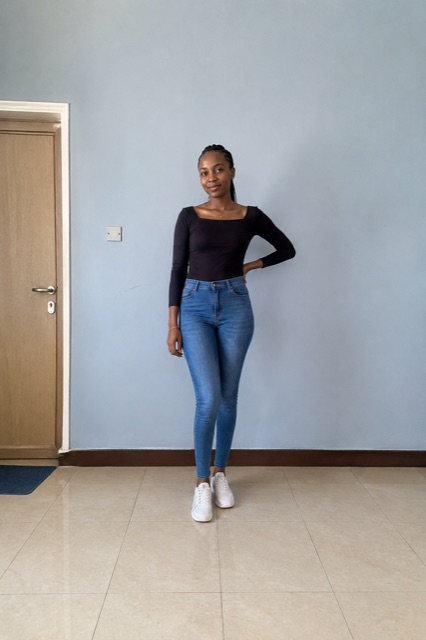
Take one now, or pick an existing photo. Any framing works — a full-length shot is fine, the face is found and cropped for you. Nothing is uploaded.JPG or PNG, any size or framing — a full-length shot is fine, the face is found and cropped for you. Nothing is uploaded.
Upload or capture a photo and every published tolerance for this document gets checked and reported here.
Measures chin to crown, the eye line and head tilt on your device, then crops and levels to the tolerance your document publishes. A full-length photo works.
Twelve checks — head size, eye line, tilt, background, exposure, shadow, focus, resolution and the four mechanical ones — each with the requirement, your value and how to fix it.
The face model and every pixel operation run inside your browser. Your photograph is biometric data and it does not leave the device it is already on.
Exact ratio, inside the pixel range, inside the file-size window — including tight ceilings like the 240 KB cap on every US document.
Choose from 49 documents across 30 countries. Each one shows its full published spec and how firm the source is.
JPG or PNG, any size, any framing. Nothing is uploaded — processing starts the moment the file is read.
Every tolerance is measured and reported. Fix what is flagged, or download straight away if it all passes.
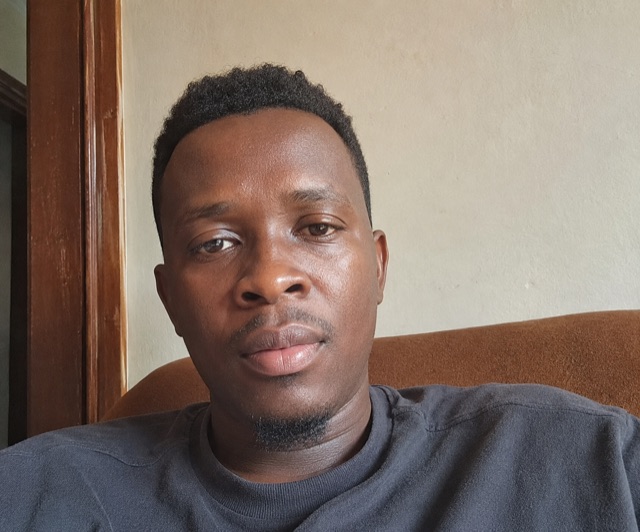
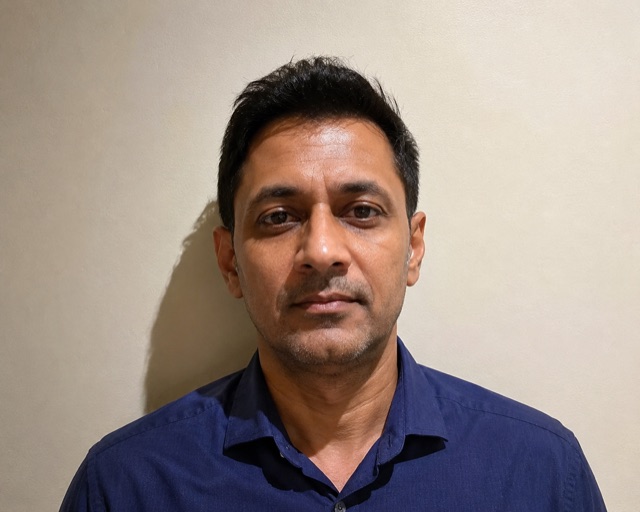
Each of these went through the tool. The verdict under every photo is what the audit actually measured — not a description written to fit.
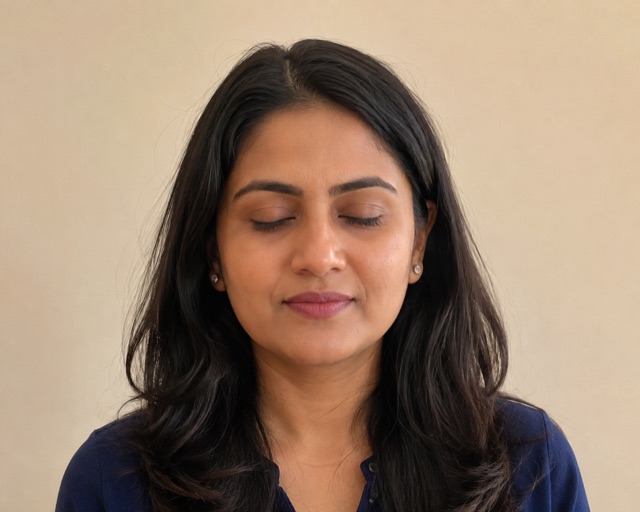
Eyes openCaught mid-blink
Eyes open: Closed or blinking
One of the most common rejections, and invisible to a size checker. Take several frames and pick one with the eyes fully open.
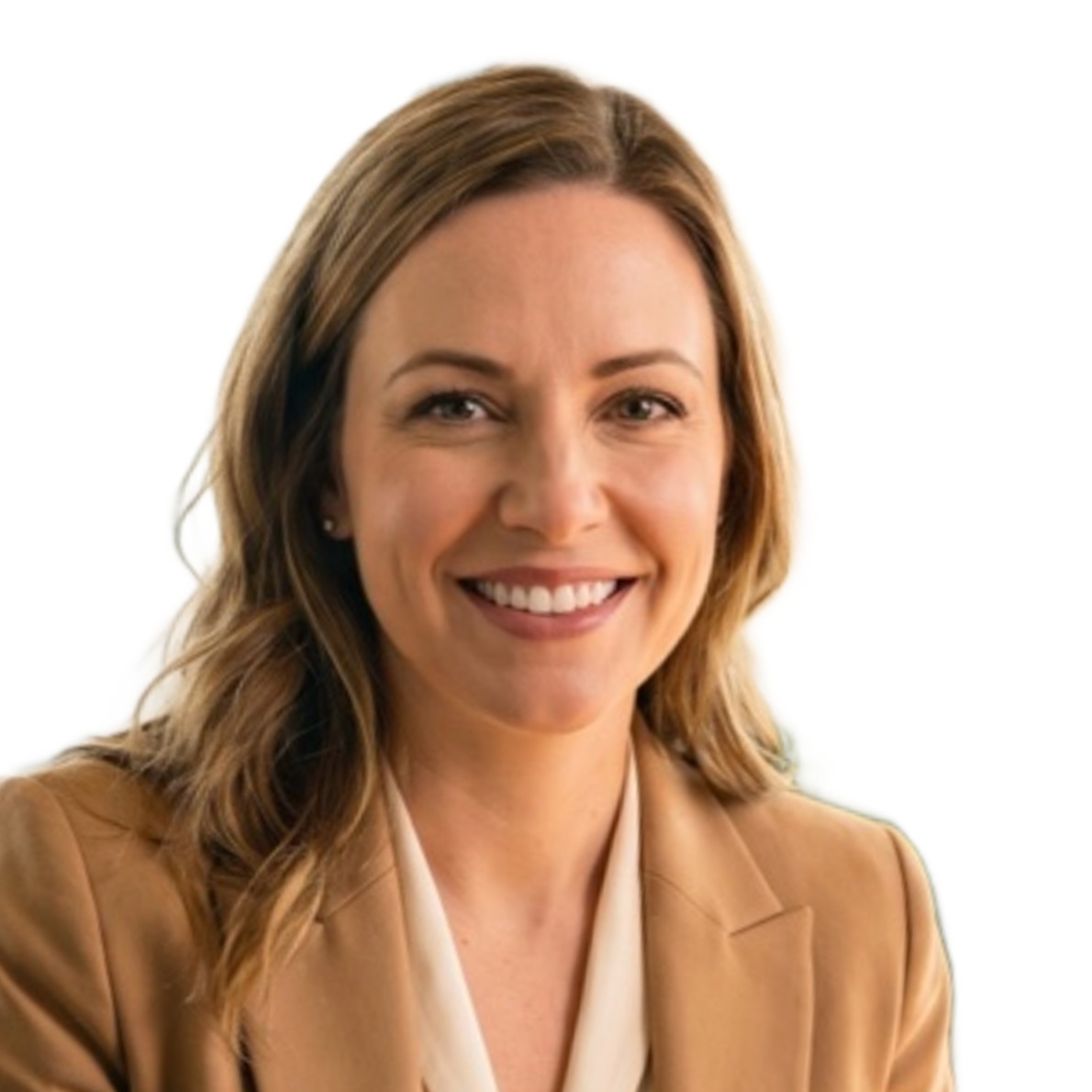
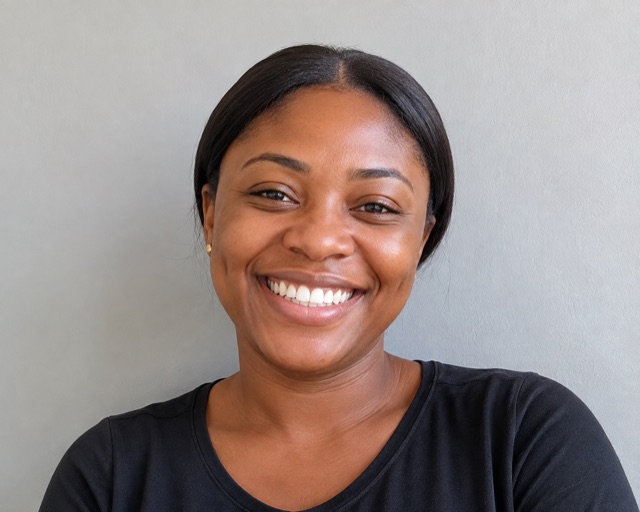
Neutral expressionSmiling with teeth
Neutral expression: Smiling
Most authorities require a neutral face with the mouth closed. Relax your jaw and look straight down the lens.
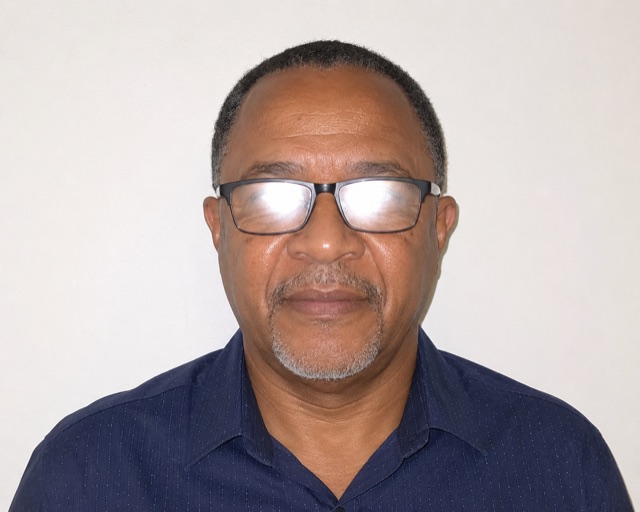
Lens glareFlash reflected off glasses
24.7% of the eye area blown out
Glare hides the iris, which fails a biometric check outright. Turn the flash off, or take the glasses off — several countries now require it.
Even lightingHard shadow across the face
Right side 87 levels brighter
A single side light leaves half the face in shadow. Face a window, or put the light source behind the camera, not beside you.
BackgroundBusy room behind you
Background: Uneven, shadowed or patterned
Shelves, doorways and patterned walls all fail. Stand about a metre from a plain wall so no shadow falls behind your head.
Source resolutionPhotographed from too far away
Only 223px available across the framed area
The tool can crop in, but it cannot invent detail that was never captured. Fill more of the frame with your head when you take it.
Illustrative examples, not photographs of real applicants. Note that the tool corrects framing, size and background — it cannot fix a closed eye, a smile, glare on a lens, or a shadow across the face. Those it reports, so you can retake before you submit rather than find out from a refusal.
The Diversity Visa entry is free and you submit it yourself — but the photo rule is unforgiving. A non-compliant image disqualifies the entry outright, and you are not told until the results. Every person on the entry needs their own photo: you, a spouse, and each child.
Check a DV photo freeOpaige does not submit Diversity Visa entries — the entry is free and only you can file it. This tool is here so the photo is not the reason it fails. Note that natives of some countries are ineligible for the programme because their country has passed the immigration threshold; the excluded list is revised each year, so check the current instructions before you enter.
Yes. The tool is free and needs no account. It runs entirely inside your web browser, so there is no upload, no queue and no watermark on the result. You can process as many photos as you like and download each one.
No. Every step — face measurement, framing, background handling and JPEG encoding — happens on your own device using code and models served to your browser. Your photograph is never transmitted to Opaige or to any third party, which matters because a passport photo is biometric data.
Yes. Many authorities require a photograph that has not been digitally altered, and treat background replacement, skin smoothing, AI enhancement or camera filters as manipulation — grounds for refusal or disqualification even when the file passes an automated size check. Reframing, rotating and resizing are not alteration; changing the content of the picture is. This tool replaces the background by default so the result is usable immediately, and you can switch that off in the Auto-fix panel. For a US passport, DS-160, DS-260 or Diversity Visa entry we would switch it off, because the U.S. Department of State treats a digitally replaced background as manipulation.
It depends on the route. Applying from abroad through consular processing, you upload a photo inside the DS-260 at ceac.state.gov/iv — square JPEG, 600×600 to 1200×1200 pixels, 240 KB maximum — and bring two printed copies to the interview. Adjusting status inside the United States on Form I-485 is different: since 12 December 2025 USCIS no longer accepts self-submitted photographs, and your photo is taken at an Application Support Center during biometrics. The Diversity Visa lottery entry is a separate upload again.
A Diversity Visa entry photo must be square, 600×600 to 1200×1200 pixels, JPEG, 240 KB or smaller, on a plain white or off-white background, taken within the last six months, with the head between 50% and 69% of the image height. Everyone on the entry needs their own photo, including a spouse and each child. A non-compliant photo disqualifies the entry outright with no chance to correct it, which is why the DV photo is worth getting exactly right.
It depends on the document. A US passport, DS-160, DS-260 or DV lottery photo needs the head between 50% and 69% of the image height, measured chin to crown, with the eyes 1⅛ to 1⅜ inches from the bottom. Most 35×45mm documents want the head at 32–36mm of the 45mm height, roughly 71–80%. India asks for a tighter 36–38mm. The tool frames to whichever applies.
49 documents across 30 countries, including US passport, DS-160 visa, green card DS-260 and the Diversity Visa lottery; UK, Canada, Australia, New Zealand, Schengen and Ireland; India passport, e-Visa and OCI; and passports, visas and national ID cards for Nigeria, Kenya, Ghana, South Africa, Uganda, Tanzania, Pakistan, Bangladesh and more.
Because some authorities publish a physical photo size but no digital upload spec, and third-party sources contradict each other. Where that happens we derive the pixel figures from the published print size at 300 DPI and label the document as derived, so you know to check the limit shown on your own application portal. Every document shows its source confidence.
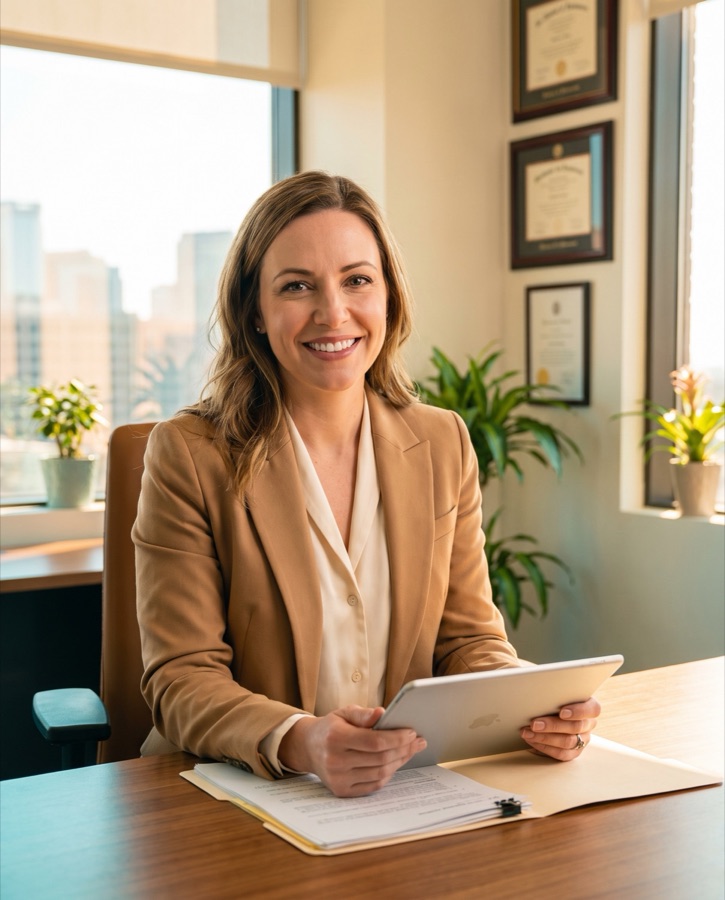
Specifications are taken from each authority’s published guidance and kept current on a best-effort basis, and each document shows how firm its source is. Requirements are revised without notice and individual consulates, visa centres and portals apply their own limits on top. Confirm the numbers against the instructions for your specific document and application route before you submit. This tool measures and adjusts a photograph’s technical and geometric properties; it does not decide whether a photograph will be accepted, and it is not a guarantee of acceptance.
Search for a page, dashboard view, or action